Yes, you really can make a phone call from 35,000 feet on an Emirates flight — the airline was the first in the world to allow in-flight mobile calls back in 2008, and the service is still running via a network called AeroMobile. It works on most Emirates A380s and 777s, costs a lot more than you’d expect (think international roaming on steroids), and is generally not worth it unless the call genuinely can’t wait. Here’s how it works, when it’s available, and why texting or Wi-Fi calling is the smarter option 99% of the time.
In This Article
How AeroMobile actually works
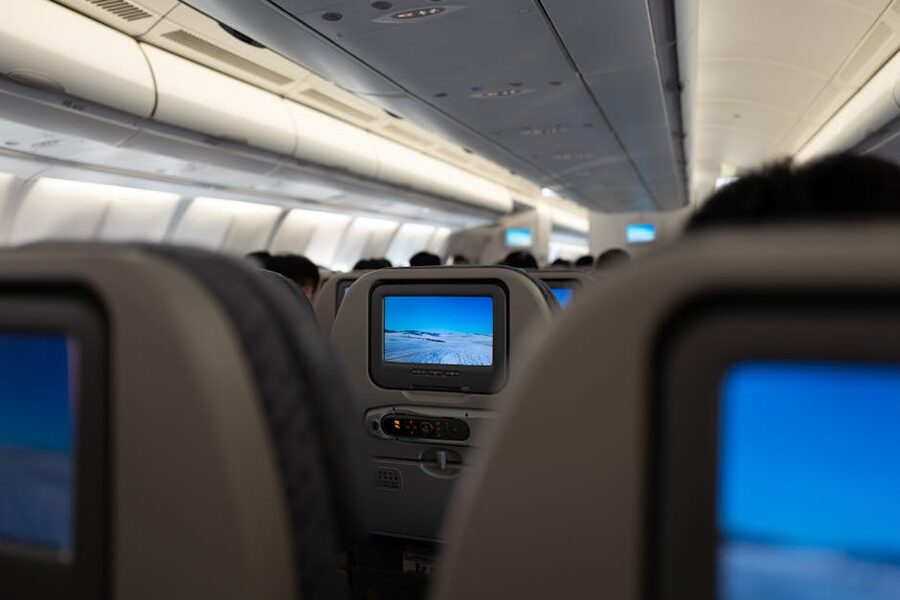
The aircraft has a small onboard GSM base station that connects to ground networks via satellite. Your phone sees it as a roaming network — usually shown as “AeroMobile” or “Onair” in the carrier bar. You don’t need a special SIM, a special app, or a Wi-Fi connection. Just take your phone out of airplane mode (after the crew announces it’s permitted), let it pick up the signal, and make the call.
The service covers voice calls, SMS, and 3G data on most Emirates wide-body aircraft. Not every plane in the fleet is equipped — the system was rolled out in stages, so older cabin configurations might not have it. Before boarding, you can check at emirates.com under the specific flight’s “What’s on your flight” page to see if AeroMobile is listed.
Your phone has to be compatible (any 3G or 4G phone from the last decade will be), and crucially, your home mobile carrier has to have a roaming agreement with AeroMobile. Most major carriers do, but some prepaid and budget operators don’t. If yours doesn’t, you’ll see the network name but won’t be able to place calls.
What it costs
Pricing is set by your home carrier, not by Emirates — which is part of why it’s hard to quote a single number. Real-world ballpark figures reported by travellers over the past couple of years:
- Outbound voice calls: USD 2-5 per minute is typical, and it’s been reported as high as USD 10/min on some US carriers. That’s not a typo.
- Inbound voice calls: usually cheaper than outbound, sometimes around USD 1-2/min, but still significant.
- SMS outbound: around USD 0.50-1.00 per text.
- Data: depends entirely on your carrier’s roaming rate for AeroMobile. Often USD 10+/MB — easy to rack up USD 100 checking email for five minutes.
The real trap is data. Voice calls at least show you a running cost in your head. Data roams silently — Instagram, Gmail, WhatsApp media previews, cloud backup, all of them pinging the AeroMobile network at international-roaming rates. Stories of USD 300+ bills from a six-hour flight are common, and they’re avoidable. Before enabling data roaming in flight, turn off background refresh and set apps to Wi-Fi-only.
When to use it (and when to skip)
Use it if: the call is genuinely urgent (family medical issue, missed-connection rebook, finalising a contract), the recipient can’t receive text, and you’re prepared to pay roaming rates. It’s also worth it for quick SMS — a couple of dollars to let someone know you’ll be late at the other end is fine.
Skip it if: you just want to chat, share a photo, or update Slack. For that, Emirates’ onboard Wi-Fi is a far better deal. Skywards members get a free 20-minute or 1MB chat-only pass on most flights (enough to message on WhatsApp, iMessage, Messenger). Full Wi-Fi passes start at around USD 10 for the flight. Compare that with USD 5/minute voice calls and the maths is obvious.
Another often-ignored option: Wi-Fi calling. If your phone supports it (most iPhones and Androids from the last 5 years do), and your carrier supports it (most do in the US/UK/EU), connecting to the onboard Wi-Fi lets you make calls over Wi-Fi at your normal domestic rate — often free on unlimited plans. This is the sleeper best option. Not every plane’s Wi-Fi handles Wi-Fi calling well, but when it works it completely replaces AeroMobile.
Etiquette and rules
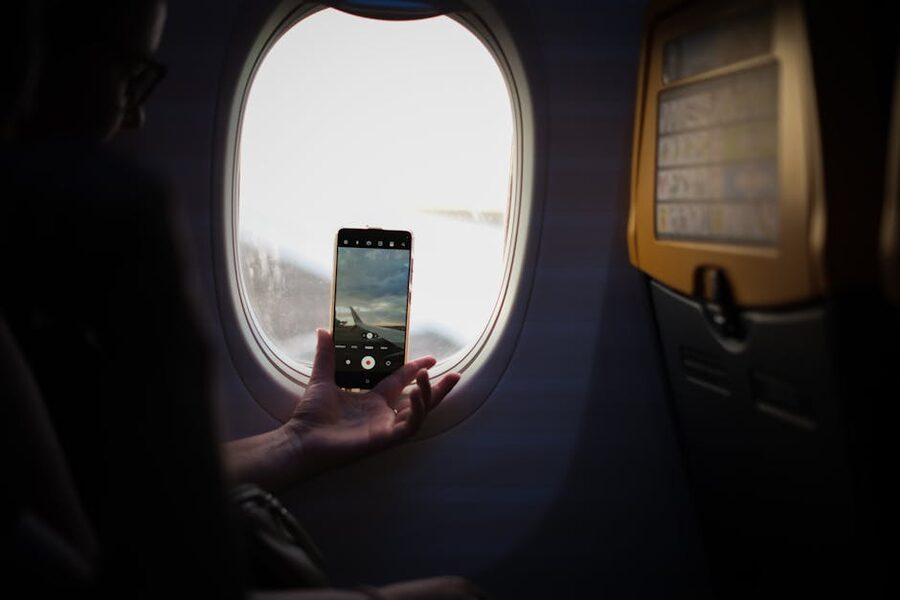
Emirates doesn’t restrict calls by default, but crew can ask you to wrap up if it’s disturbing other passengers. In practice, almost nobody uses AeroMobile for voice — the combination of price, cabin noise, and the awkwardness of loud in-flight calls means it’s largely used for texts and occasional emergencies. This is actually a relief. An A380 cabin with 500 people all chatting away would be a nightmare.
Phone use is only enabled while the aircraft is above 10,000 feet and away from certain airspace (the system has to be switched off before descent, and isn’t permitted over the US or Canadian airspace under FCC rules). On Emirates’ US routes, expect AeroMobile to be off for a substantial portion of the flight. On middle-east-to-Asia routes, it’s available for most of the cruise.
Texts go through almost immediately. Voice quality is surprisingly okay — comparable to a decent mobile-to-mobile call, with about a half-second latency from the satellite hop.
The short version
- Yes, you can call from most Emirates A380s and 777s via AeroMobile
- Cost: USD 2-10/min voice, USD 0.50-1.00/SMS, billed by your home carrier
- No special setup needed — phone picks up the network automatically
- Not available over US/Canada airspace — expect gaps on transatlantic routes
- Better option: onboard Wi-Fi + Wi-Fi calling, far cheaper for regular use
- Turn off background data before enabling mobile data — bill-shock risk is real
If you actually need to speak to Emirates about a booking on the ground, see our guide to reaching an Emirates agent — the toll-free numbers and fastest IVR paths are in there. For trip planning, our Emirates reservations guide covers the fastest ways to book and change a flight.